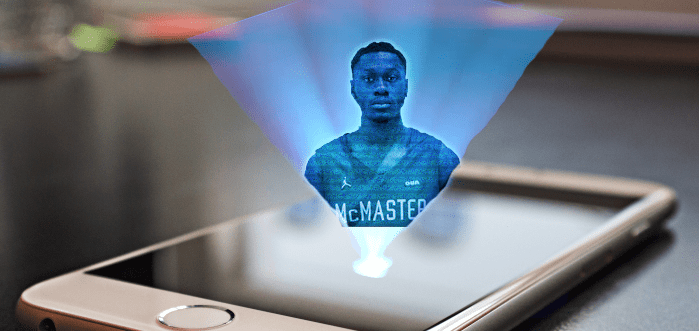
Now that we had the Hologram Projector Prism unit made and already usable, we wanted to add a feature that would make the hologram usable in light. The Hologram Projector was initially designed to be used in a dark room, but what happens if there are windows in the room and no way of blocking light beams from entering the room?
Update Idea #1:
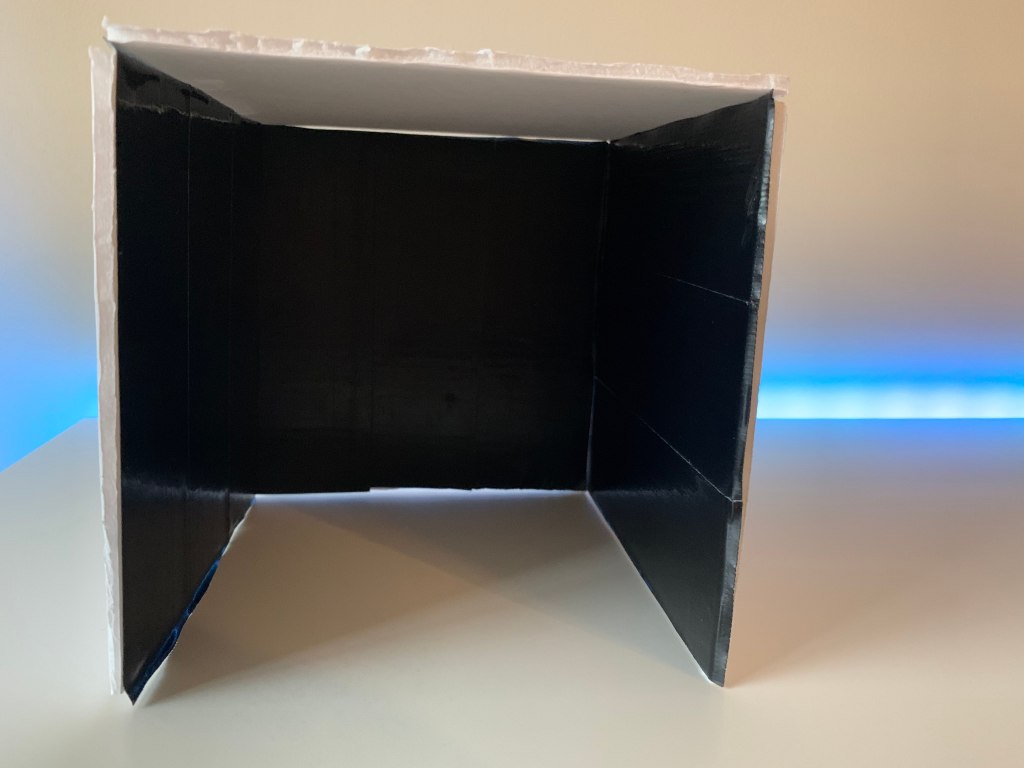
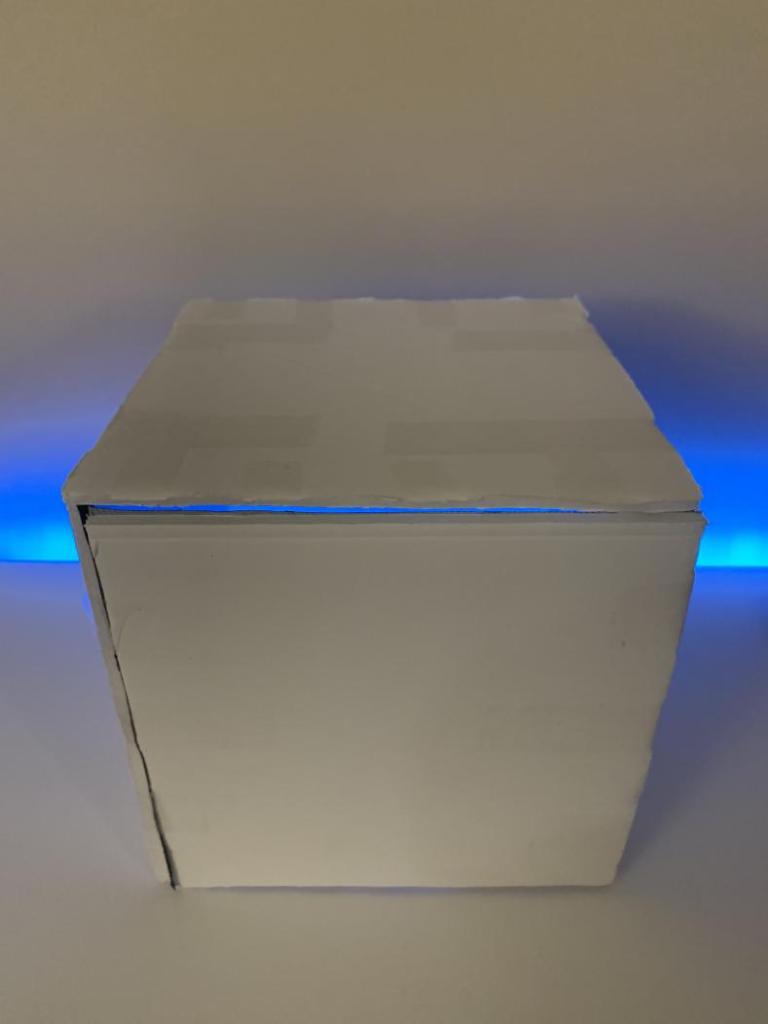
In order to be make better use of the items already available to us for the project we decided to make a box cover for the prism. This was done by cutting the Foam board that we had purchased into 4 equally sized squares with a 12cm x 12cm ratio. Once the 4 squares were cut, we used the clear tape to attach them together. The cube was only 4 sided, to allow the viewers to view the Hologram from one of the open sides, the other side also had to be left uncapped to allow the video to be played from the iPad Pro. We then used black Duck tape that we already had available to us to line the insides of the foam board making it even darker. Thin clear tape was used to attach all sides together.
Update Idea #2:
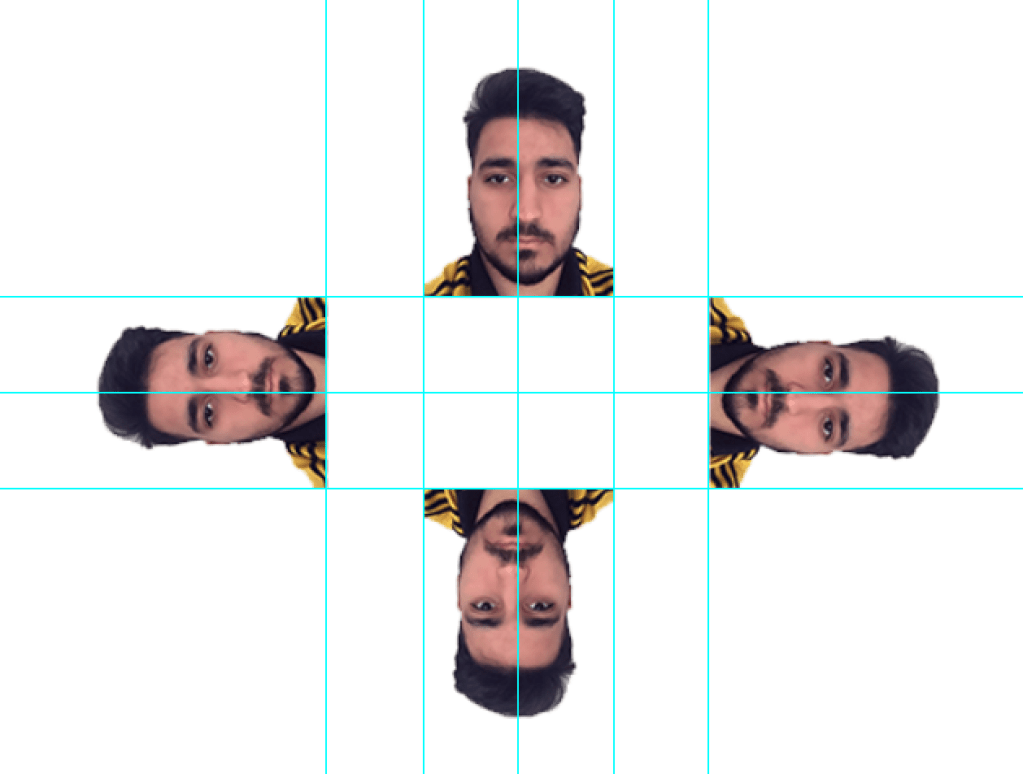
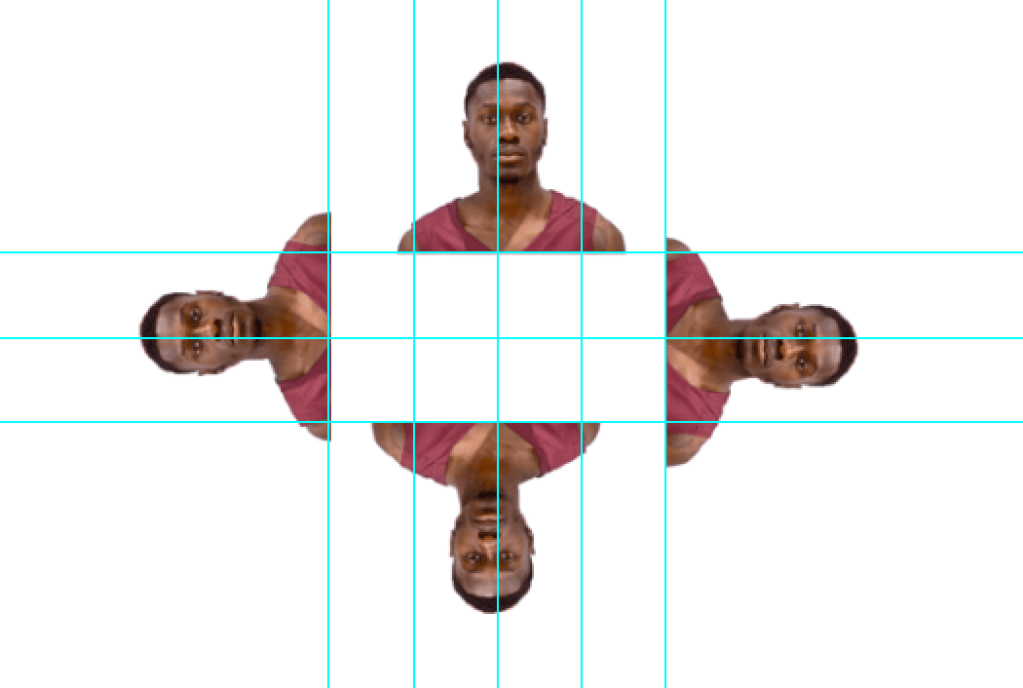
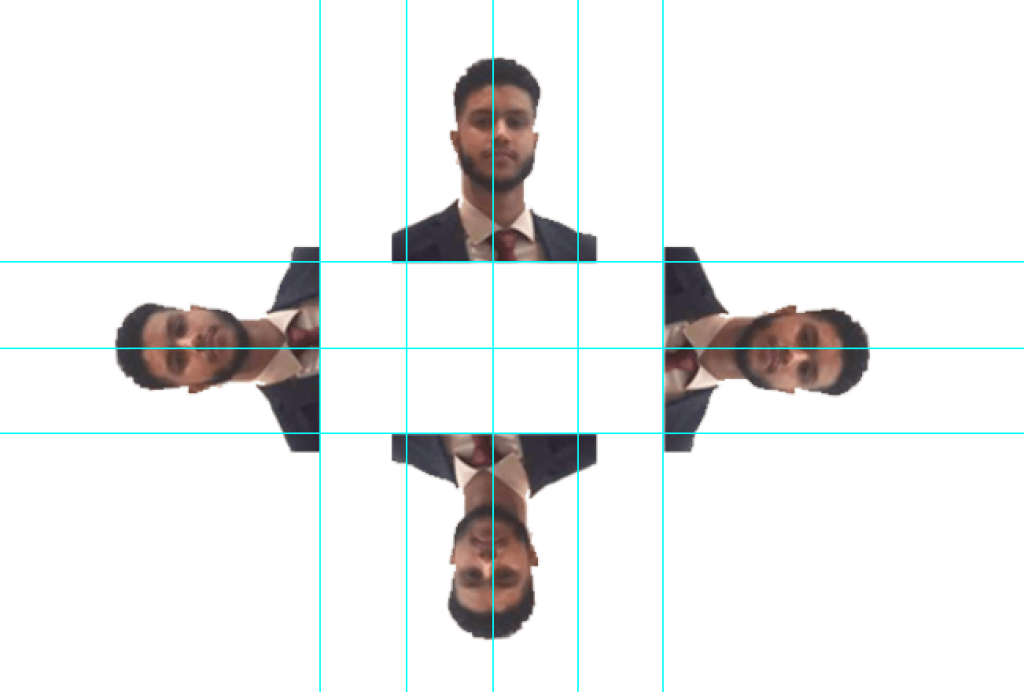
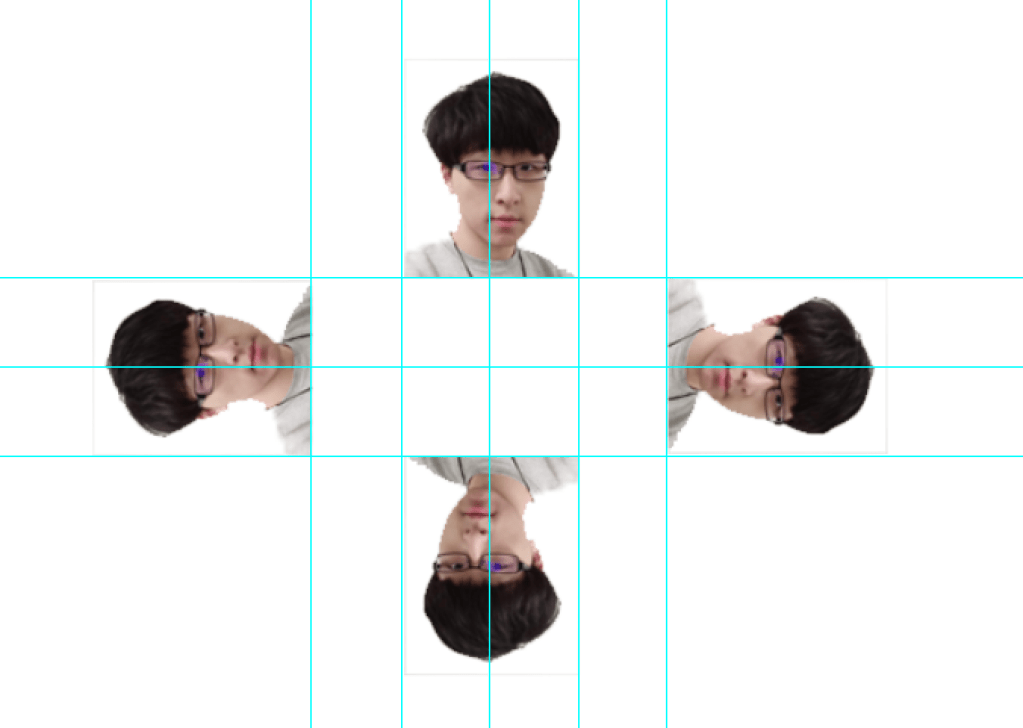
Since non of the members on the group has an extensive experience using video editing softwares we were planning on using ready made hologram videos in order to demonstrate the functionality of the project. However, we decided that in order to make the hologram more personalized to each one of us, to use photoshop and create a still template that consisted of photos us. This was done by using placing 4 photos in the template shown here. The images were aligned in the 90°, 180°, 270° and 360° of rotation.
 The 3D World - Holograms
